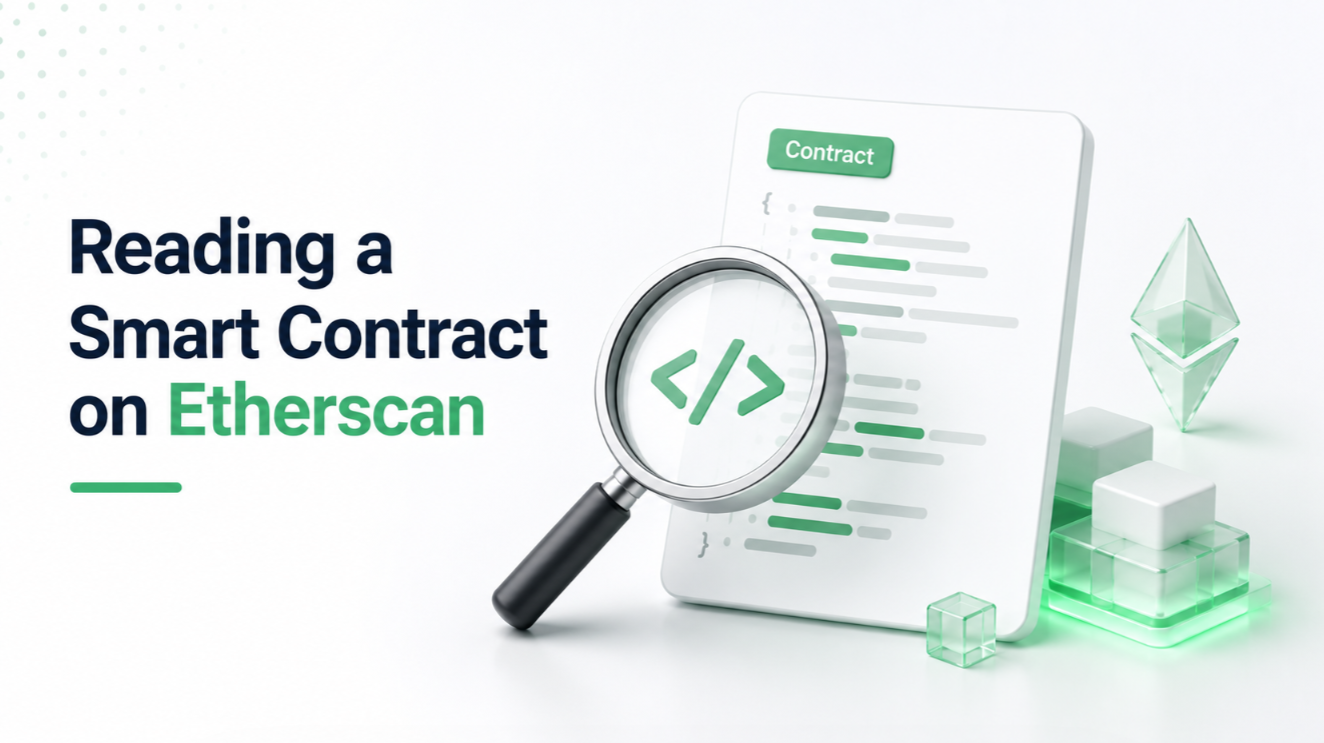
Etherscan is the free, universal Ethereum block explorer. Every account address, every transaction, every smart contract is visible there. For smart contracts specifically, Etherscan is where you actually verify what a contract does — not marketing copy, not documentation, but the actual code and the actual state. Learning to read a contract page is the difference between trusting a project and knowing what it does.
The page layout
Every contract has an Etherscan URL like etherscan.io/address/0xABC123... The page has several tabs at the top:
- **Transactions**: list of transactions to and from this address
- **Internal Txns**: internal calls between contracts (contract-to-contract)
- **Token Txns**: ERC-20 token transfers touching this address
- **NFT Txns**: ERC-721/1155 transfers
- **Contract**: the contract itself — source code, ABI, state variables
- **Events**: emitted logs
- **Analytics**: pretty charts of activity
For understanding what a contract does, the Contract tab is where you spend most of your time.
The Contract tab: verified source
The first thing to check on the Contract tab: is the source code verified?
An unverified contract shows only bytecode — machine-readable, human-hostile. You cannot tell what an unverified contract does without reverse-engineering.
A verified contract shows the original Solidity (or Vyper) source code that was compiled to the deployed bytecode. Etherscan cryptographically verifies that the submitted source compiles to exactly the bytecode on-chain. If someone submits fake source code, verification fails.
**Rule of thumb**: never interact with an unverified contract that holds meaningful value. If someone points you at a contract and it's unverified, that's a signal to walk away. Real projects verify their contracts.
Reading Read Contract
The "Read Contract" tab shows all the contract's view functions — functions that read state but don't change it. You can query them without signing any transaction; Etherscan calls them for free.
For an ERC-20 token, you'll see functions like:
- totalSupply() — returns the total supply
- balanceOf(address) — enter an address, get their balance
- allowance(owner, spender) — enter two addresses, see how much spender can spend
For a DEX, you'll see functions like:
- getReserves() — returns the current reserves in the pool
- token0() and token1() — which two tokens the pool trades
These are safe to click. Nothing on-chain changes. This is how you inspect a contract's current state — a token's current supply, a pool's current price, a governance contract's current proposals.
Reading Write Contract
The "Write Contract" tab shows functions that modify state — functions you'd need to sign a transaction to call. You connect your wallet, fill in parameters, and click write.
**This is where you can actually interact with a contract without going through a dApp UI**. If a project's frontend goes down, you can still call the contract's functions directly from Etherscan.
Common use cases:
- Rescue funds from a project whose frontend was compromised.
- Call an admin function you have permission for.
- Interact with a contract that has no frontend at all.
Danger zone: the contract will happily execute whatever you tell it to. If you call a function you don't understand, you can lose funds. Only use Write Contract when you understand what the function does — either from reading the source, from the function name, or from documentation.
Reading source code
The verified source is usually a few files:
- The main contract (say, MyToken.sol)
- Imports from other contracts (OpenZeppelin ERC-20 base, upgradeability libraries, etc.)
- Interface definitions
For a standard ERC-20 token, the code is typically 100-300 lines and largely composed of well-known patterns. You can scan for:
- **mint() function**: does the contract mint tokens? Who can call mint? Is it restricted to an admin, or open to anyone?
- **burn() function**: same questions
- **Admin functions**: functions with modifiers like `onlyOwner` or `require(msg.sender == admin)` — these are functions only certain addresses can call. See who those addresses are (usually shown as immutable variables at the top).
- **Timelocks**: does the contract enforce delays on admin actions? A 48-hour timelock is much safer than immediate execution.
- **Upgradeability**: does the contract have an upgrade function? This is the biggest security question — if yes, whoever controls upgrades can change the contract's behavior arbitrarily.
For non-standard contracts (novel DeFi protocols, unusual mechanisms), you might need to spend more time reading. Google function names — many patterns are shared across projects and someone has written explanations.
The Proxy pattern
Many production contracts are proxies — the contract you interact with is a thin wrapper that delegates all logic to an "implementation" contract. This lets teams upgrade the implementation without changing the address users interact with.
If the contract has "Proxy" in its name or shows an upgradeability pattern:
1. Etherscan usually detects proxies and shows "This contract is a proxy" at the top of the Contract tab. 2. Click "Read as Proxy" to see the implementation's functions (not the proxy's). 3. Find the implementation address (usually stored in a specific storage slot or admin-callable function). 4. Look at the implementation's own Etherscan page for the actual logic.
Proxies are convenient but they mean the contract's behavior can change if the implementation is upgraded. Check who has upgrade authority (usually a Gnosis Safe or a timelock).
Events
The Events tab shows the log entries emitted by the contract's transactions. For an ERC-20 token, you'll see Transfer and Approval events. For a DEX, you'll see Swap events.
Events are how off-chain systems (indexers, block explorers, dApp backends) know what's happening on-chain. Wallets use Transfer events to update balances. Analytics platforms use them to build dashboards.
You rarely need to read events directly, but knowing they're there is useful when you want to verify that a specific action actually happened (or when a dApp UI is broken and you want to see what the contract itself is reporting).
Analyzing a specific transaction
When you click a transaction, Etherscan shows:
- **Transaction details**: hash, block, timestamp, from/to, value, gas used, gas price
- **Transaction receipt**: whether it succeeded or failed
- **Logs**: events emitted
- **Internal calls**: contract-to-contract calls that happened as part of this transaction
- **State changes** (via "State" tab): what storage slots changed
The most useful for debugging: look at the internal calls to see the sequence of contract interactions, and check the logs to see what events were emitted.
If a transaction failed, Etherscan often shows the revert reason (a string the contract emitted before reverting). This tells you why it failed — usually "insufficient balance," "slippage exceeded," "not authorized," etc.
Verifying contracts you're about to interact with
The habit worth building: before you sign a transaction to a contract, at least glance at its Etherscan page.
Checklist: 1. Is the contract verified? (If not, back out.) 2. Is it a proxy? (If yes, is the implementation verified?) 3. Who controls it? (An owner or admin address — is it a multisig, a timelock, a hot wallet?) 4. Has it been audited? (Reputable projects link to audits from their contract page.) 5. Does the transaction count seem reasonable? (A brand-new contract with 3 transactions is much riskier than one with 10,000.)
This takes 60 seconds and catches a huge fraction of scam contracts.
When Etherscan isn't enough
For serious contract analysis, tools beyond Etherscan help:
- **Tenderly**: transaction simulation and state diffing. Simulate a call before signing.
- **Dedaub / Ourbit**: on-chain analytics dashboards.
- **DeFiLlama**: TVL, revenue, and adoption metrics for DeFi protocols.
- **Contract Reader / Blockchair**: alternative block explorers with different UX.
But Etherscan is the free, always-available baseline. Learning to read it is the entry point to actually verifying what happens on-chain instead of trusting what someone tells you.
L2 equivalents
Every EVM Layer 2 has its own Etherscan equivalent:
- Arbiscan for Arbitrum
- Optimistic Etherscan for Optimism
- Basescan for Base
- Polygonscan for Polygon
- zkScan / zkexplorer for zkSync
- Snowtrace for Avalanche
- Bscscan for BNB Chain
They all have similar interfaces. Skills transfer directly.
The habit is universal: whatever chain you're transacting on, that chain's explorer is where you verify what contracts actually do. Trust the code, not the marketing.