Wallet drainers stole over $1B in crypto across 2023–2024 and another $400M+ in 2025. The attacks are templated — same playbook, different colors. Five defenses, layered, stop almost all of them.
How drainers actually work
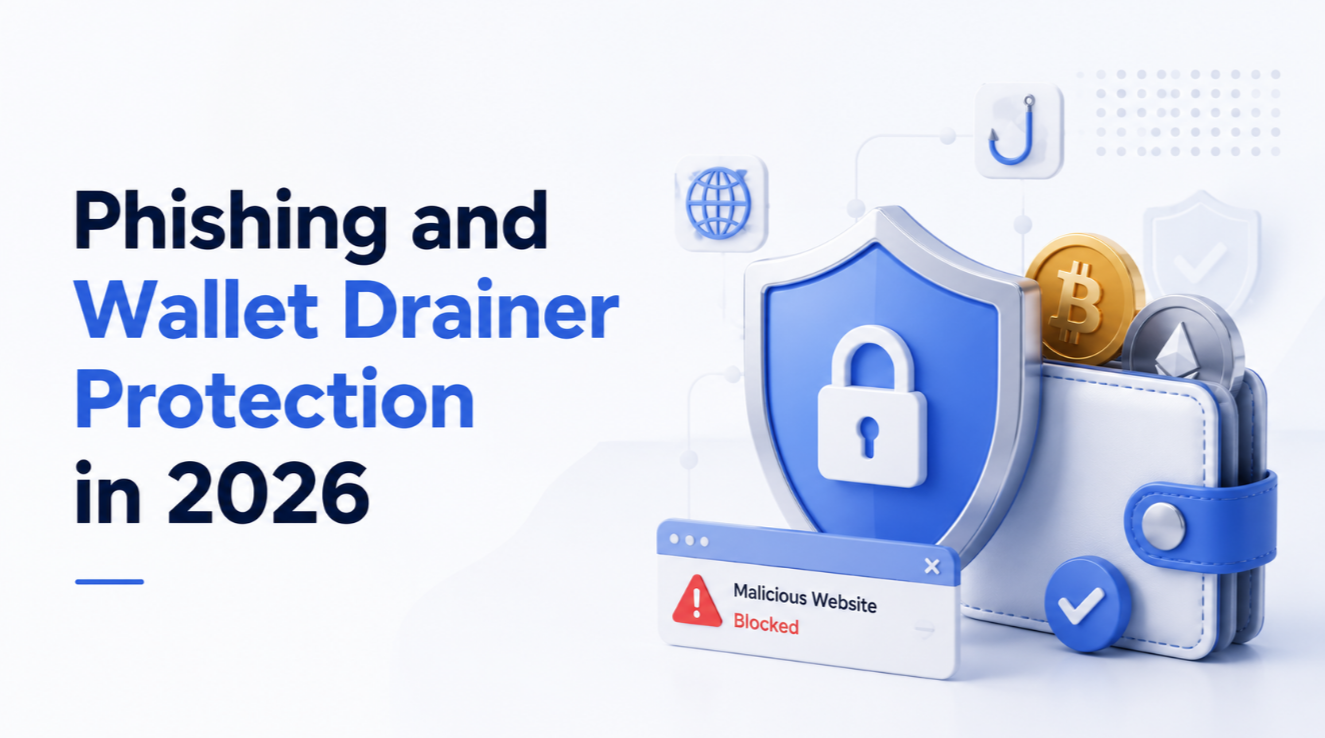
A drainer is a smart contract that, once approved, transfers your tokens to the attacker. Approval happens because you visit a phishing site that mimics a legitimate dApp, connect your wallet, and sign a transaction that looks routine — "Confirm Swap," "Claim Airdrop," "Migrate Tokens." The signature is actually `setApprovalForAll` or `permit2` granting the drainer access to everything in your wallet.
Where drainers come from
- Compromised social accounts — Verified Twitter accounts hacked and used to post phishing links.
- Google search ads — Phishing sites buy ads above the real protocol.
- Fake Discord roles — DMs pretending to be from project mods.
- SEO-optimised lookalikes — `unisswap.org`, `metarnask.io`, `pancakeswop.finance`.
Defense 1: Wallet transaction simulators
Modern wallets simulate every transaction before you sign. Rabby, Phantom, Backpack, and Pocket Universe show you exactly what tokens leave your wallet and where they go. If the simulation shows your entire token balance leaving, abort.
Defense 2: Revoke unused approvals
Use Revoke.cash quarterly to revoke token approvals you no longer need. Each approval is a future risk. Most active DeFi users carry dozens of stale approvals from old protocols.
Defense 3: Separate wallets by purpose
- A hot wallet for trading and DeFi — never holds more than a month's active capital.
- A cold wallet (hardware) for long-term holdings — never connects to dApps.
- A mint wallet for airdrops and risky NFT mints — funded with just enough gas.
Defense 4: Bookmark and verify
Never reach a dApp via search or DM links. Bookmark the official URL and use only the bookmark. Cross-verify against the project's pinned Twitter post or Discord announcement channel.
Defense 5: Hardware wallets and clear signing
A hardware wallet forces you to read the transaction on its screen, which malicious browser extensions cannot fake. Clear signing (Ledger's recent improvement, Trezor, Coldcard) shows the actual function and parameters — not just a hex blob — so you can spot a `setApprovalForAll` on an unfamiliar contract before you confirm.
If you do get hit
- Move remaining unrelated assets immediately.
- Revoke all approvals on the affected wallet via Revoke.cash.
- Document everything (transaction hashes, attacker addresses, dates).
- Report to chainalysis tools (Chainabuse, ScamSniffer) — disrupts attacker payout flows.
- Treat the wallet as permanently burned; do not use it again.
See our how to spot crypto scam and smart contract risk guide.