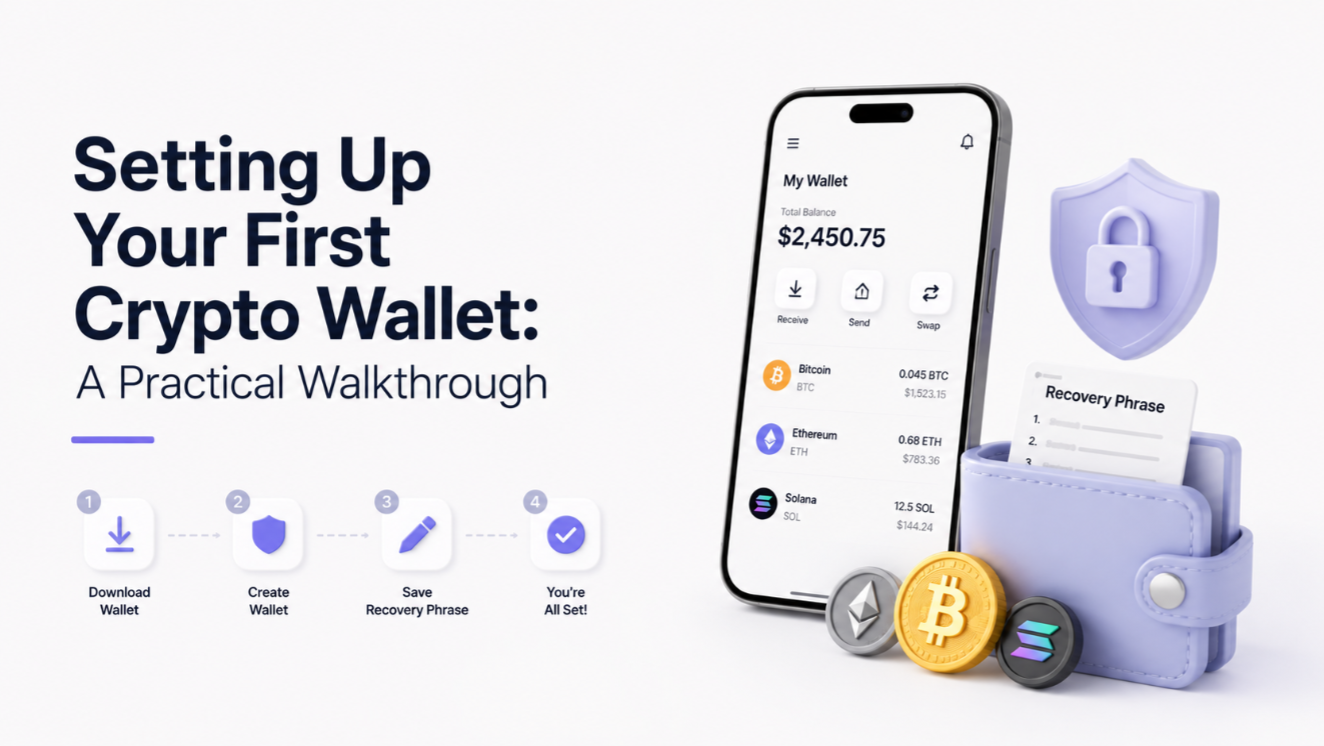
Your wallet is your crypto identity. Getting it right the first time saves you from the single most expensive class of crypto mistake: losing a seed phrase. This walkthrough covers wallet types, setup, and the security habits that prevent 90% of beginner losses.
Hot wallets vs. cold wallets
A hot wallet is software connected to the internet (MetaMask, Phantom, Trust Wallet, Rabby). It is fast and free but more exposed. A cold wallet is a hardware device (Ledger, Trezor, SafePal) that signs transactions offline. Use hot wallets for daily spending, cold wallets for long-term holdings.
Step 1: Choose a wallet for your chain
- Bitcoin — Sparrow, BlueWallet, or Ledger.
- Ethereum / EVM L2 — MetaMask, Rabby, or Frame.
- Solana — Phantom, Backpack, or Solflare.
- Multi-chain — Trust Wallet or Coinbase Wallet.
Step 2: Generate and back up your seed phrase
When the wallet shows you 12 or 24 words, write them on paper or stamp them into metal. Never take a screenshot, store the phrase in cloud storage, type it into a password manager note, or share it with "support." Anyone with your seed phrase owns your crypto.
Step 3: Verify the backup
Most wallets ask you to retype words from the phrase. Do this slowly. If you mistype now and skip verification, you might find out years later that your backup is wrong — when you need it most.
Step 4: Fund your wallet with a test amount
Send a small amount (under $10) from your exchange to your new wallet. Confirm it arrives. Only after the test send a larger amount. The 30 seconds of waiting saves people millions of dollars per year.
Beginner red flags
- Any website asking for your seed phrase is a scam — no exception.
- Wallet apps from non-official stores (Google Play / App Store) are often fake.
- Bookmark the wallet site. Phishing copies rank on Google ads constantly.
- Treat browser pop-ups asking you to "sign" cautiously — read what you are signing.
Once you are comfortable, level up with our guide to seed phrase storage best practices and a hardware wallet comparison.